
Hiberden runs on a simple rule: restoring and verifying always work, with or without a license. A license unlocks archiving: writing and managing your archives. There is also a free 30-day trial you can start when you are ready, so you can archive before you buy.
1. Buy a license
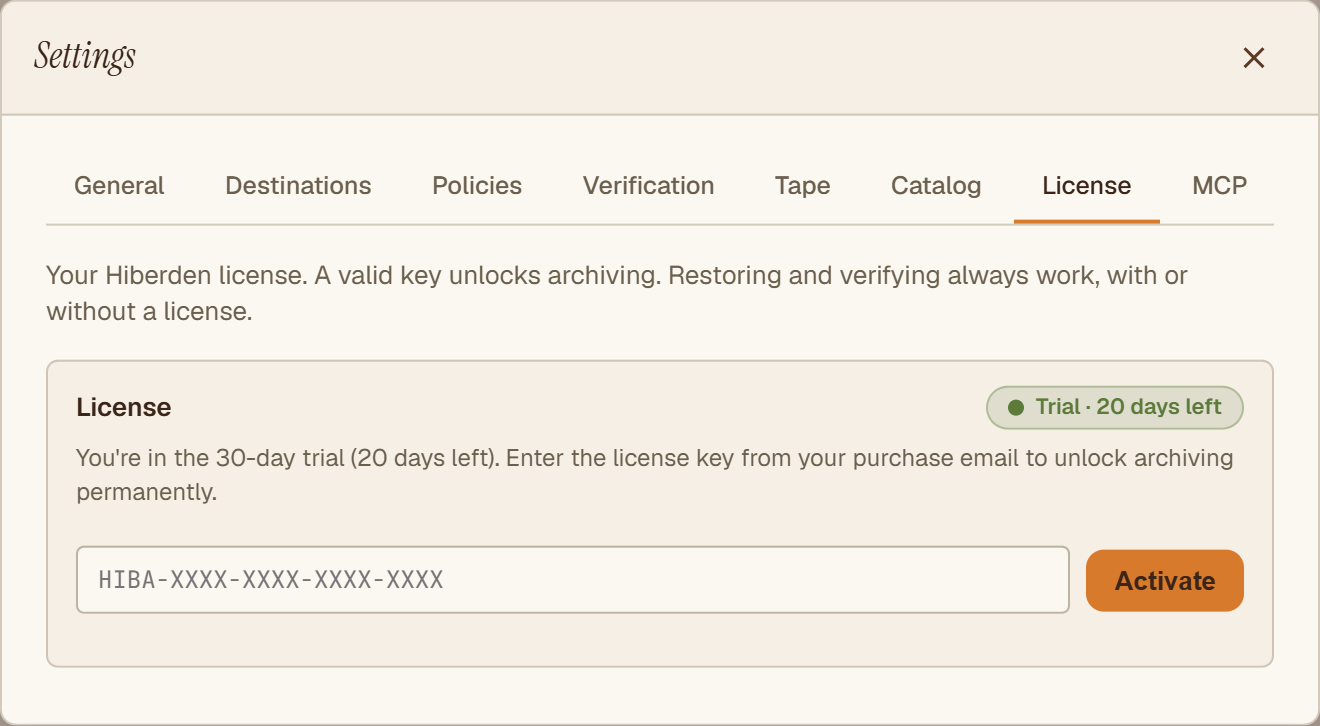
Buy a license at hiberden.app. After purchase, your key arrives by email. It looks like HIBA-XXXX-XXXX-XXXX-XXXX.
2. Activate it in the app
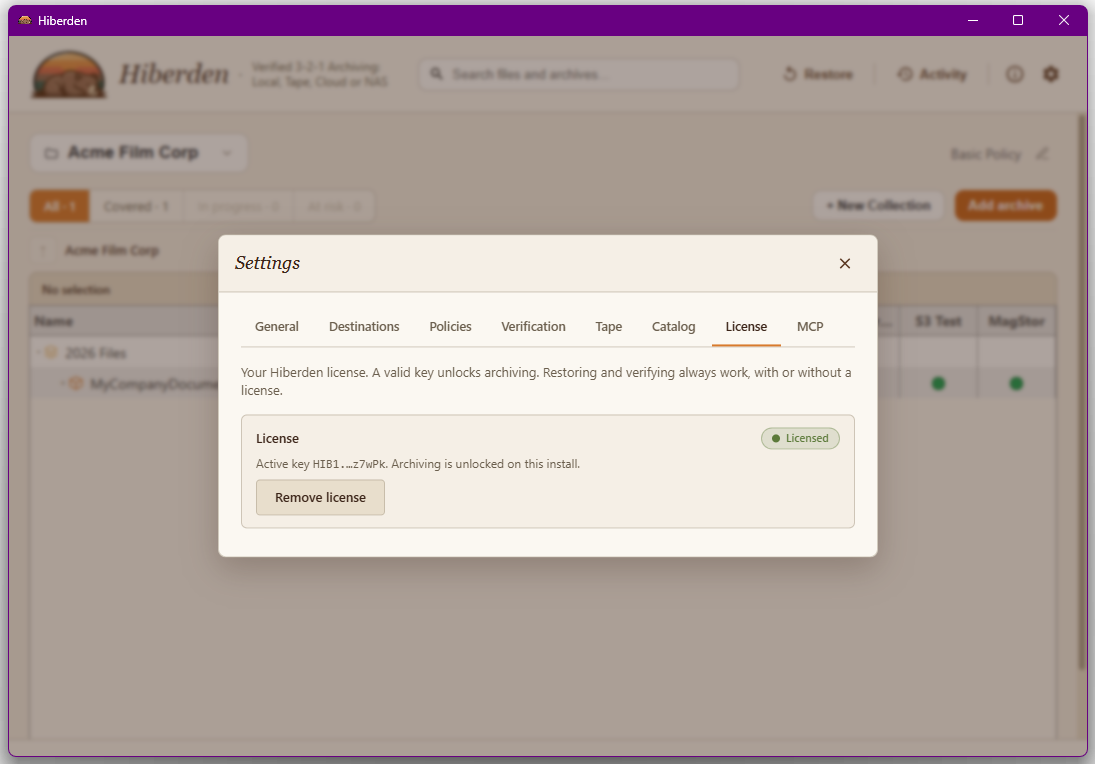
Open Settings, then License, paste your key, and click Activate. Hiberden checks the key online once, ties the license to this machine, and unlocks archiving. After that the license is verified offline; there is no account to manage and no phone-home. That is the whole activation. If something goes wrong, see Activating your license.
The 30-day trial
Not ready to buy? The trial does not start when you install Hiberden. The first time you try to archive without a license, the app asks for your email and you start the trial yourself. From then on a "Trial: N days left" chip appears in the header. Every feature is on during the trial, and no card is needed.
When the trial runs out, archiving is blocked until you enter a key, but your existing archives, restores, and verifications keep working the whole time. Full details: The 30-day trial.
One machine per license
A license can be active on one machine at a time. If you try to activate a key that is already active elsewhere, the app tells you the license is already active on another machine and to contact support to move it. On the same machine, reactivating after Remove license is self-service: just enter your key again. After a clean Windows reinstall or a PC reset, which normally gives the computer a new identity, contact support the same way as for a new machine; an in-place repair or upgrade install keeps the license in place. If you move to a new machine, contact support at support@hiberden.app; support releases the old activation, and then you activate on the new machine by entering your key there. Details: Moving to a new machine.