
Hiberden's trial is the full product for 30 days: every feature on, no card, nothing held back. It exists so you can try the whole workflow (archive, verify, restore, even tape) on your own data before you pay.
How the trial starts
The trial does not start when you download or install Hiberden. It starts only when you opt in.
The first time you try to archive, or to write a copy to tape, without a license, the app asks for your email and offers to start the trial.
Enter your email and the 30 days begin. The trial is stored locally and works offline; there is no account to create. Starting the trial also sends Hiberden the email you entered, an identifier for this computer, the app version, and which operating system you are on. It is sent once, and the trial starts even if it does not get through.
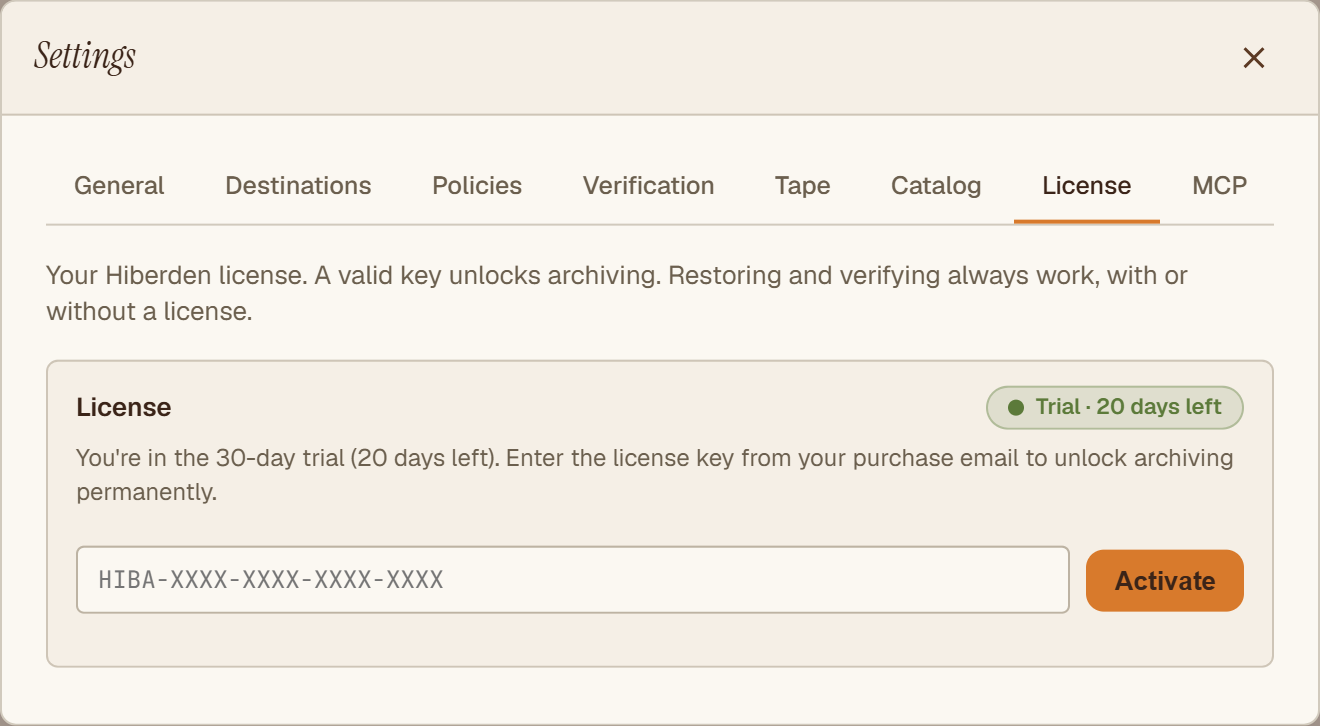
Once the trial is running, a chip in the app header shows "Trial: N days left" so you always know where you stand. You can also see your trial status on the License tab in Settings.
What expiry blocks, and what it never blocks
When the 30 days are up, writing is blocked: new archives, new copies, and copies to tape. The app says so plainly:
"Your trial has ended. Enter a license key to keep archiving... Restoring and verifying always work without one."
That second sentence is the important one. Restore and verify always work, with or without a license. This is contractual, not a courtesy: it is written into section 3 of the EULA. Everything you archived during the trial remains fully restorable and verifiable after it ends. An expired trial never holds your data hostage.
The trial clock keeps running
The 30 days count down from the day you start the trial, whether or not a license is active in between. Removing a license does not give back trial time: if a trial was started here before, after removal you have whatever time is left, which may be none. If you were licensed without ever starting a trial, you still have the 30 days, so after Remove license the app offers the trial the next time you archive.
Evaluating tape with no hardware
You do not need an LTO drive to evaluate the tape side of Hiberden. The built-in virtual tape drive writes an archive to a cartridge, checks it by reading it back as it is written, and restores it, with no hardware attached. The trial plus the virtual drive lets you rehearse the whole workflow, tape steps included, at no cost. It does not test a real drive or LTFS.
The virtual drive is for evaluation only; treat it as a rehearsal, not as protected storage.
When you are ready to buy
Buy a license at hiberden.app/register. The key arrives by email, and activation takes one paste in Settings. See Activating your license for the steps.