
A cloud copy is a full restore source, not just offsite insurance. This article covers how Hiberden restores from an S3-compatible cloud copy: whole archives, single files, and what to expect on speed and cost.
Restoring always works, with or without a license, and a restore never overwrites anything: restored data lands in a new subfolder.
No retrieval delay
Hiberden writes cloud copies to a storage class that can be read back right away (STANDARD by default; GLACIER and DEEP_ARCHIVE are refused). That is partly so verification can read the stored archive back immediately after every write, but it also means there is no thaw step or retrieval request to plan for. As long as the object has not been moved to an archive tier (a lifecycle rule into GLACIER or DEEP_ARCHIVE, or the optional archive tiers of INTELLIGENT_TIERING), a cloud restore starts reading immediately.
Restoring a whole archive
When you restore an archive, Hiberden picks the best Verified copy, preferring disk or NAS first, then cloud, then tape. If the cloud copy is the one you want, you can choose it explicitly from the copy picker.
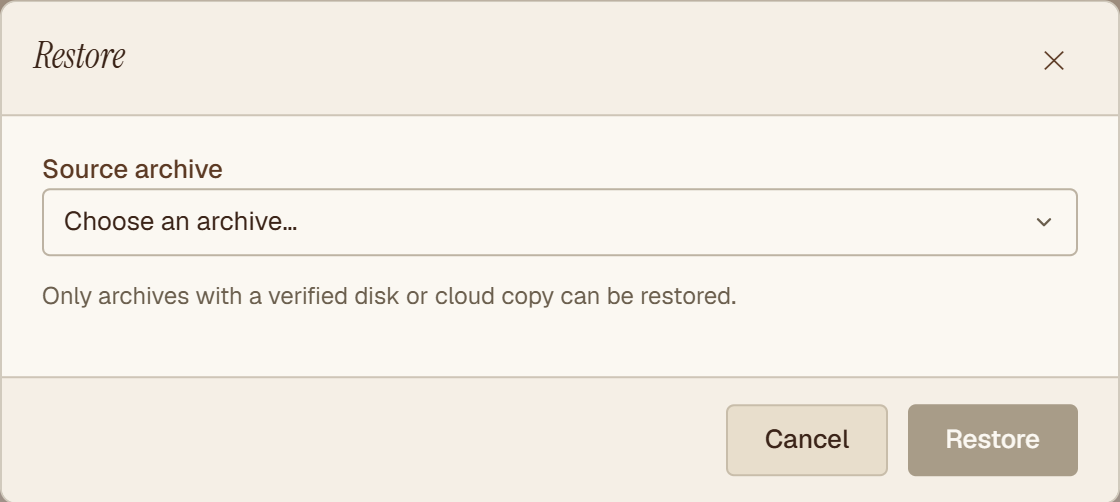
A whole-archive cloud restore reads the full archive object from your bucket, then unpacks it into the new restore folder. Every restored byte is re-hashed against the SHA-256 recorded in the catalog, so the restore is itself a verification: if the bytes coming out of the cloud do not match what was written, Hiberden tells you instead of handing you silently corrupted files.
Cloud operations use a local staging area, so keep enough free local disk space for the archive you are restoring. The full walkthrough is in Restoring an archive.
Restoring a single file
You do not have to pull the whole archive to get one file back. The file list of an archive lives in the catalog, so you can browse or search a cloud-only archive instantly, with no network traffic and no TAR read.
When you restore a selected file, Hiberden uses the byte offset recorded in the catalog to issue a ranged GET against the archive object: it downloads only the bytes that belong to that file, not the whole archive. The restored file is then verified against its own recorded SHA-256.
Single-file restore needs an archive whose catalog recorded per-file offsets and hashes. All recent archives do; very old ones may not. See Restoring a single file for the steps.
What it costs
Hiberden is not a hosted service and does not sit between you and your storage provider. The cloud account is yours, so any download (egress) charges from a restore are between you and your provider. Ranged single-file restores help here: pulling one file downloads only that file's bytes. Check your provider's pricing before restoring very large archives, especially on providers that bill for egress.
If the cloud copy is not usable
Only Verified copies are offered as restore sources. If the copy you chose turns out to be gone, or fails its read-back hash mid-restore, Hiberden prompts you with the healthy alternatives it knows about instead of dead-ending. If Hiberden cannot reach the bucket at all, start with Cloud credential errors.