
A Cloud (S3) destination writes your archives to a bucket in your own cloud account. Any S3-compatible provider works: Amazon S3, Backblaze B2, Cloudflare R2, Wasabi, and MinIO are all compatible. See Supported cloud providers for notes on each.
Like every destination, a cloud destination lives in a shared pool: you add it once, then bind it into any policy that should keep a cloud copy.
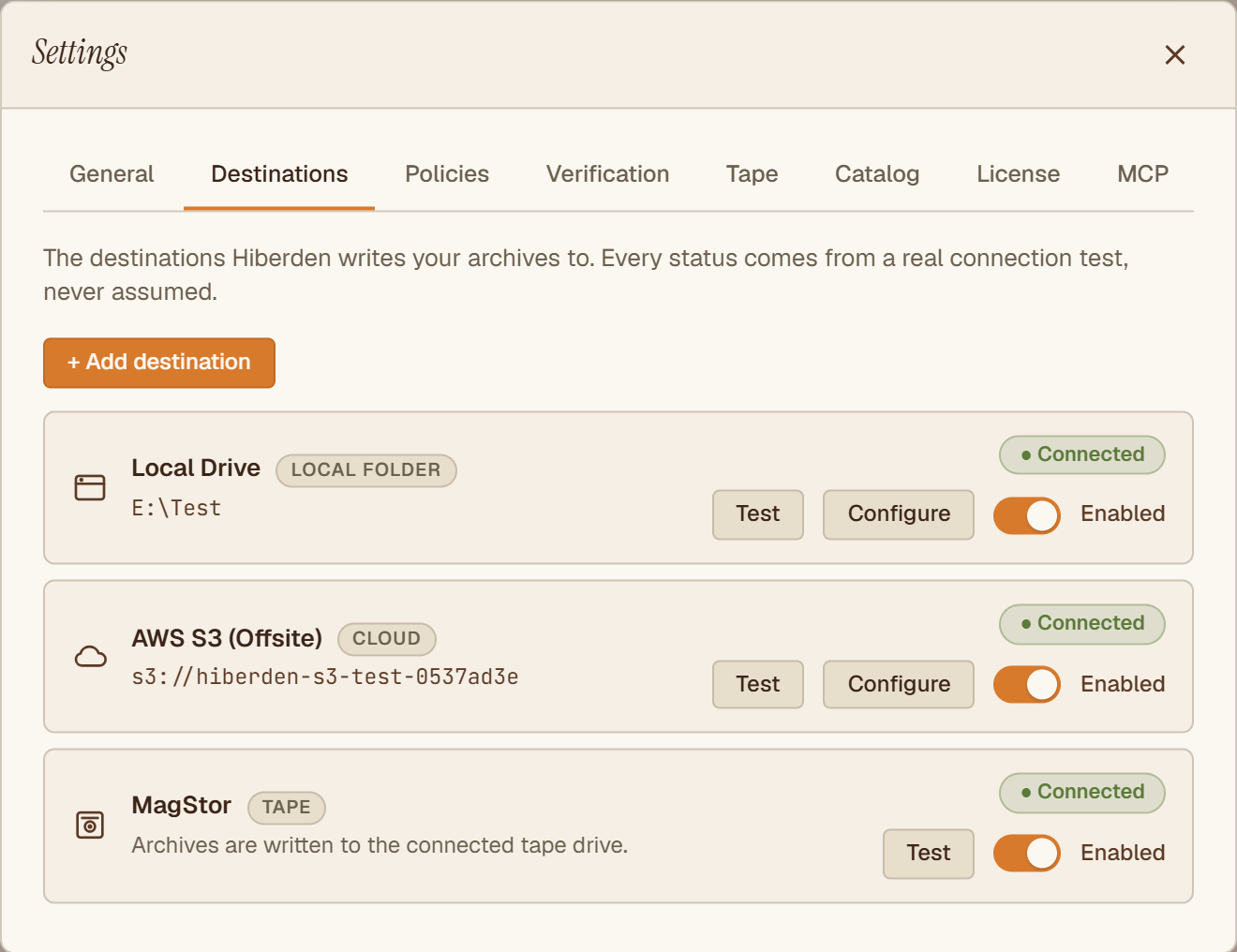
To add one, open the Destinations screen and choose "Cloud (S3)" from the Add destination dropdown.
The form, field by field
Endpoint
The app's help text says it plainly: "Leave blank for AWS S3. For B2, Wasabi, or R2, paste the provider's S3 endpoint." Every S3-compatible provider publishes an endpoint URL for its S3 API; copy it from your provider's console. Only AWS itself gets the blank default.
Region
The region your bucket lives in, named the way your provider names it (for example, us-east-1 on AWS).
Bucket
The name of the bucket to write to. When you save, Hiberden checks that the bucket is actually reachable with the credentials you entered.
Storage class
STANDARD by default, and any class that can be read back right away. The box is free text, prefilled STANDARD, and suggests STANDARD, STANDARD_IA, ONEZONE_IA, INTELLIGENT_TIERING, and GLACIER_IR; a blank box saves as STANDARD, and provider-specific class names are accepted. The help text explains why the class matters: "Must be a class that can be read back straight away, because that read-back is what proves the copy." After every write, Hiberden reads the copy back from the bucket and re-hashes it before it counts as Verified, so the object has to be readable right away. GLACIER and DEEP_ARCHIVE are refused when you save, with the reason and the fix: move objects there with a bucket lifecycle rule after Hiberden has verified them.
Access key and Secret key
Your provider's S3 access key pair. Both are stored in the OS keyring (the Windows credential store), never in the catalog database. Hiberden has no accounts and does not phone home, so your keys are never sent to Hiberden: they exist only so the app can talk to your bucket.
When you come back later to edit the destination, the credentials help text reads "Leave blank to keep the existing key": you only re-enter credentials when you actually want to change them.
For the exact bucket permissions the keys need, see S3 minimal permissions.
Save & test
Save & test runs a real check against your bucket (an S3 HeadBucket call), never an assumption. The destination's status badge then shows the result: "● Connected" or "● Connection failed". A destination you have not tested yet shows "Not tested".
If the test fails, the usual causes are a wrong endpoint or region, a mistyped bucket name, or keys without the right permissions. Cloud credential errors walks through them.
How uploads work
Objects under 16 MiB upload in a single shot. Anything 16 MiB and up uses resumable multipart upload: Hiberden records part boundaries as it goes, so an interrupted upload can pick up where it stopped, when you press Resume, instead of restarting from zero.
On startup, Hiberden looks for unfinished multipart uploads in each cloud bucket and aborts the ones it is not tracking, so a crash or power loss does not leave invisible, billable upload parts sitting in your bucket. An upload Hiberden can resume is kept and shown in Activity as Interrupted (or Paused, if you paused it), with Resume and Discard buttons; its parts stay in the bucket until you press one of them. This cleanup is why the s3:ListBucketMultipartUploads permission is on the minimal-permissions list.
One practical note: cloud operations stage through a local temp directory, so free local disk space matters for very large archives.